
Ergonomic office design
Do you suffer from back or neck complaints at work? Or do you notice that your team tires more quickly during the workday? Then there is a high probability that your office is not ergonomically designed. A proper ergonomic office design makes a world of difference for your body and your productivity.
What does ergonomic working in the office mean?
An ergonomic workplace is tailored to the person: you do not have to adapt your body to your desk, but your workplace adapts to you. Consider the correct sitting height, a screen at eye level, an office chair that supports your back, and alternating between sitting and standing during sedentary work.
Read also: Ergonomic working in the office: 6 tips.
What are the benefits of an ergonomic office?
- Fewer back, neck, and shoulder complaints
- Better posture and concentration
- Reduced absenteeism
- More comfort, less stress
- Higher productivity
In short: a healthy workplace pays off. For your employees, but also for your organization.
What do you need for an ergonomic office design?
1. Ergonomic office chairs with adjustable backrests and armrests
A good office chair supports your natural posture. The backrest follows the shape of your spine and the armrests ensure your shoulders remain relaxed. This helps you avoid tension in the back, neck, and shoulders, even during long workdays.
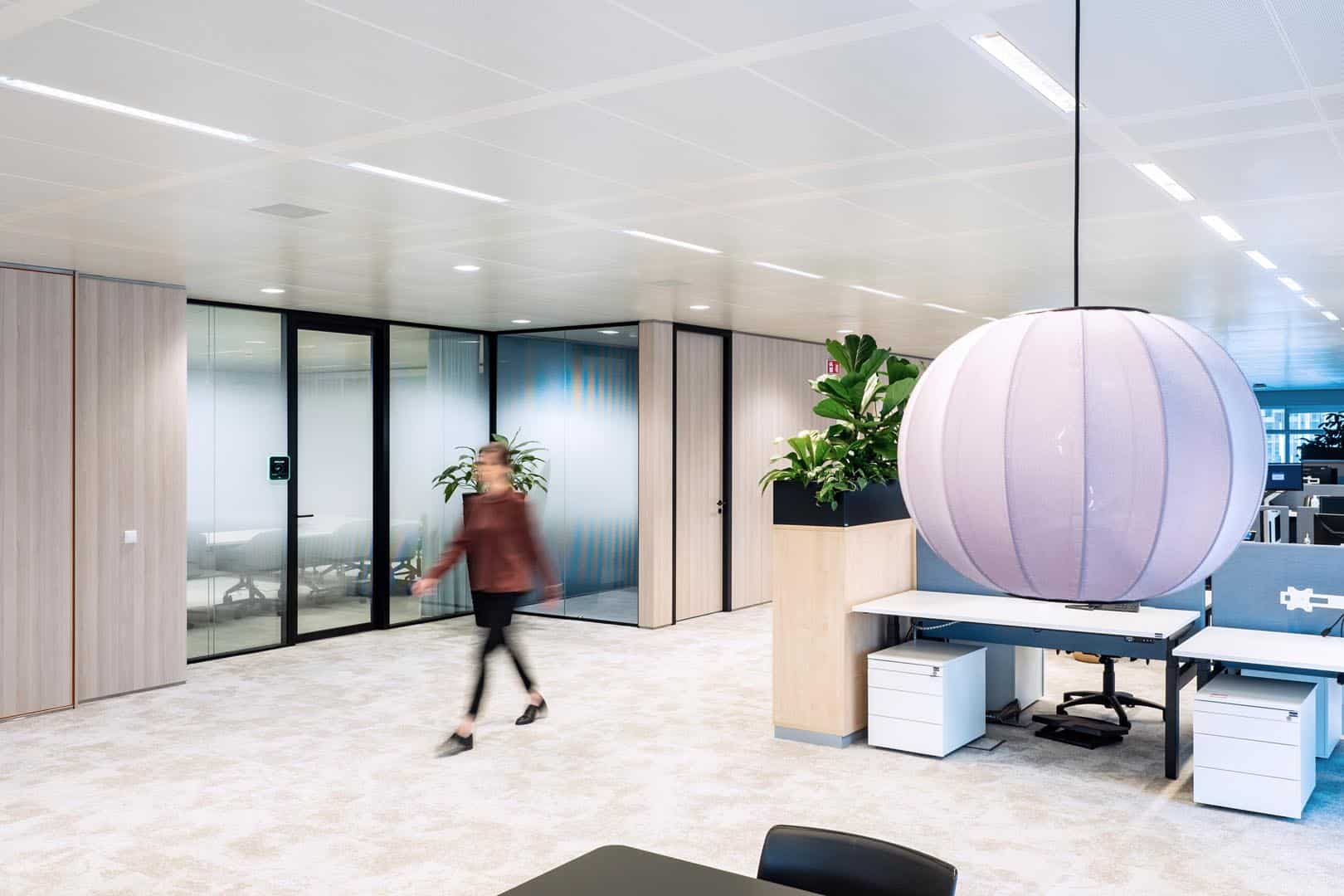
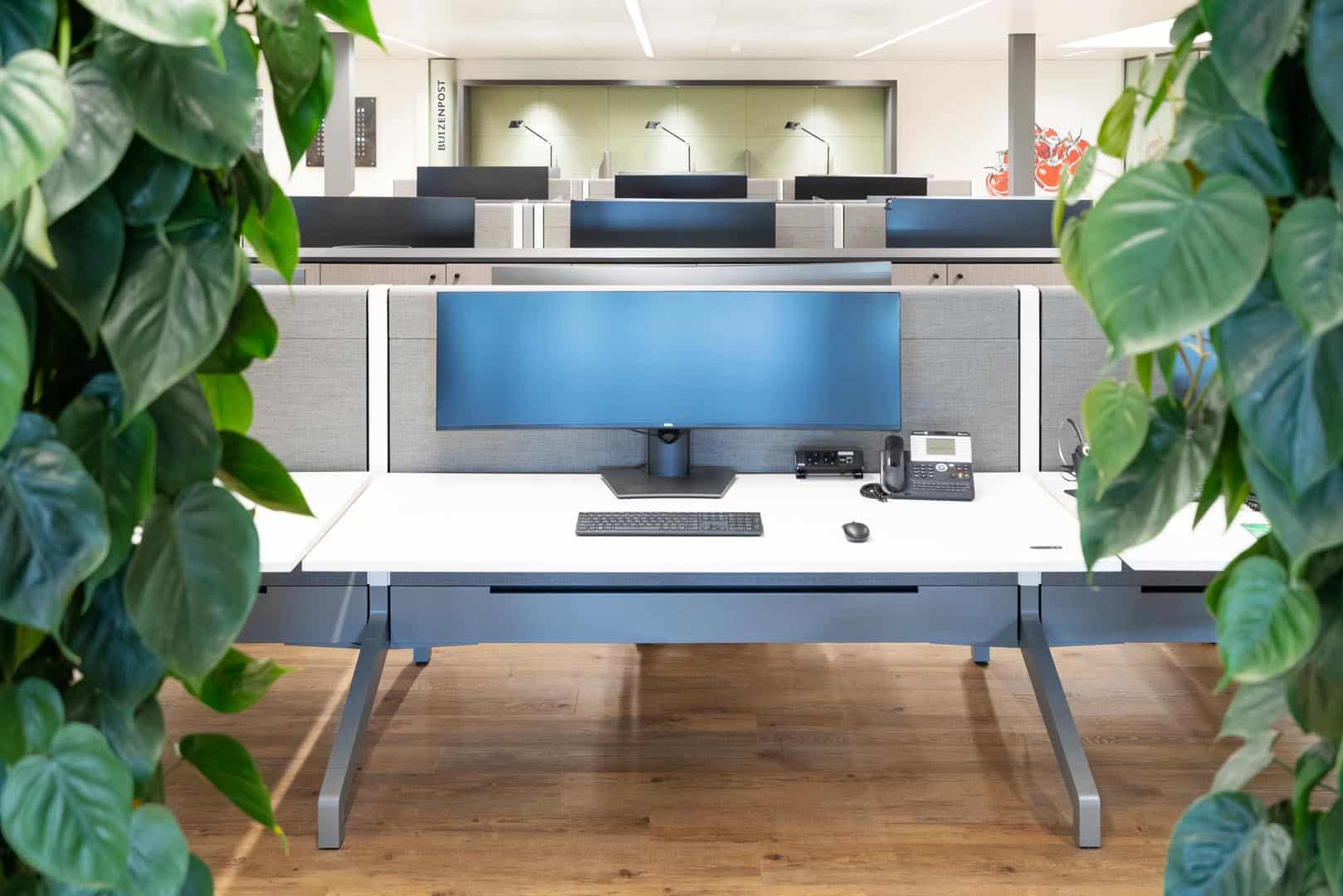
2. Sit-stand desks (adjustable desks) to alternate between sitting and standing work
Variation is essential. With a sit-stand desk, you can easily stand during calls or focus while sitting for a few hours. This movement keeps your circulation active and reduces the typical complaints associated with sitting still for too long.
3. Adjustable desktops and monitor arms
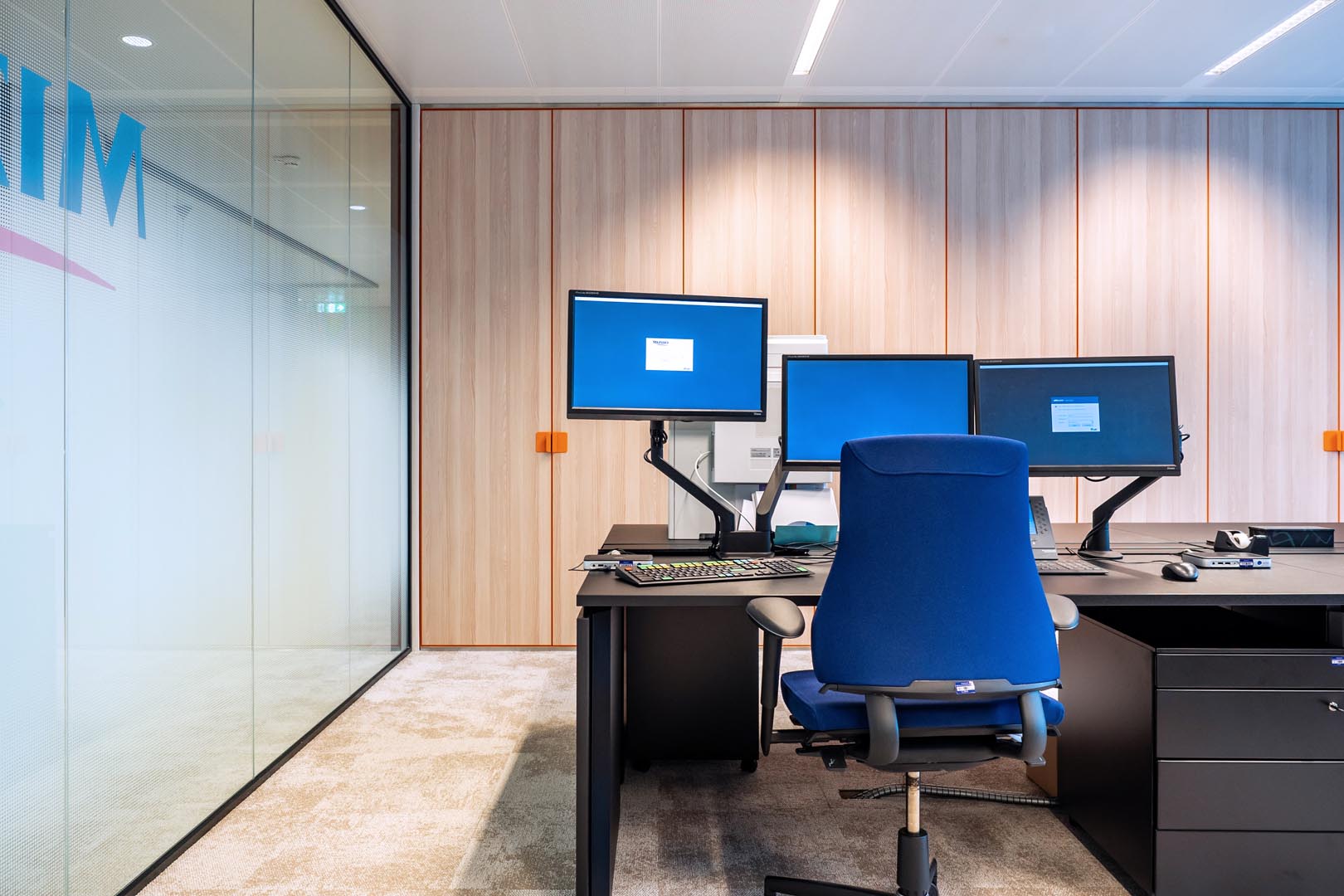
Not everyone is the same height or works in the same way. Adjustable work surfaces and monitor arms ensure that your desk adapts to your body and tasks. This allows you to sit more comfortably and work more efficiently.
4. Ergonomic accessories such as a mouse, keyboard, or footrest
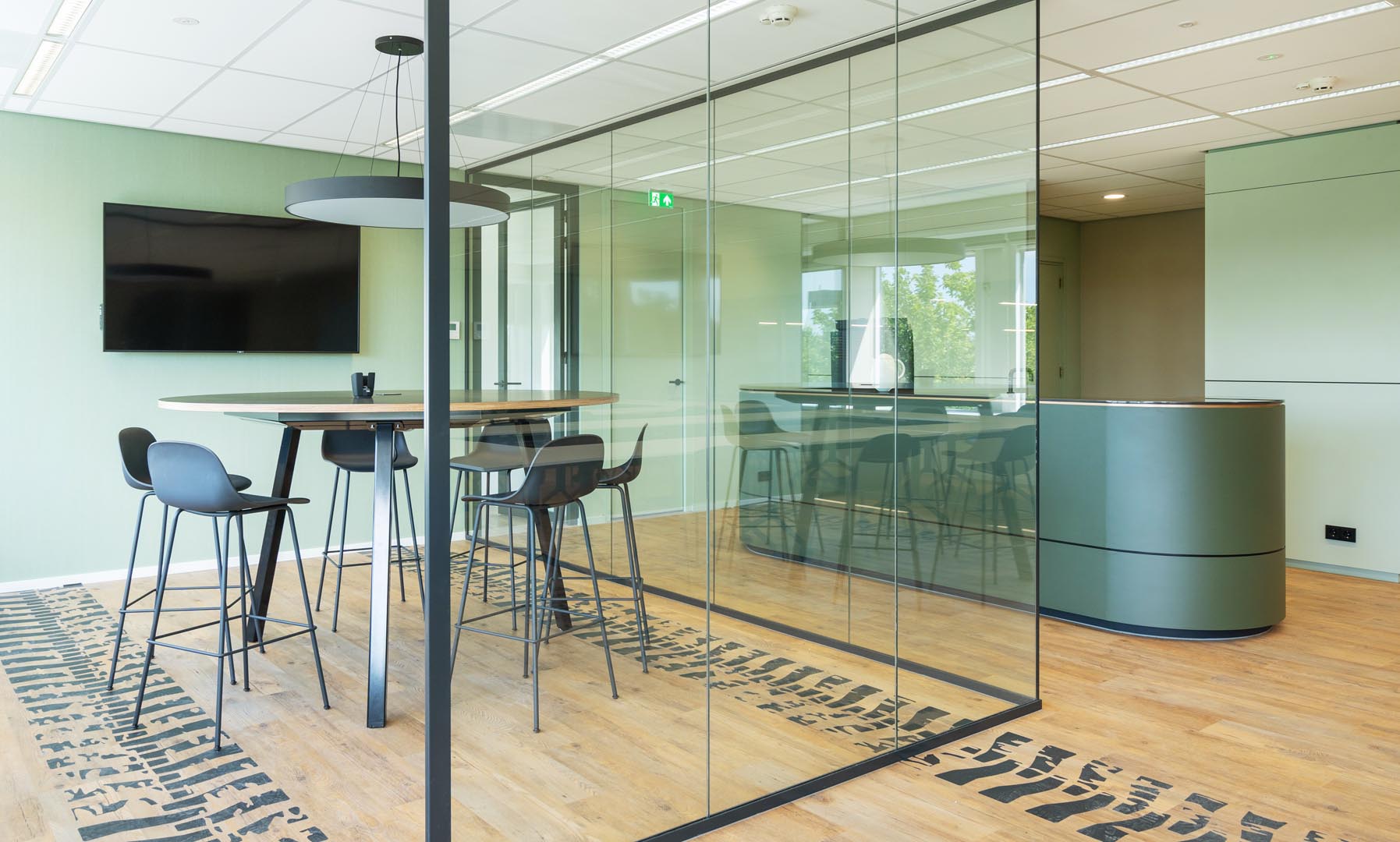
Small details make a big difference. An ergonomic mouse prevents wrist complaints, a good keyboard supports a natural hand position, and a footrest keeps your sitting posture stable. They provide comfort right down to your fingertips. However, it is not just about the office furniture itself. The total picture counts: from the layout of the workstations to lighting, acoustics, and space to move.
How do you know if your workplace is ergonomic?
At PGA, we start with a thorough analysis of your office. How are your employees sitting? Where do complaints occur? What can be improved? We map everything out and translate it into a concrete plan with a full interior design. You receive not only ergonomic advice but also complete guidance from the PGA team.
Home office? Just as important
Do you work (partially) from home? Good ergonomics are crucial then as well. Because a dining table is not a desk, and a kitchen chair is not an office chair. A dedicated workspace is necessary, and with a few targeted adjustments, you can avoid long-term complaints.
Ergonomics doesn’t have to be boring
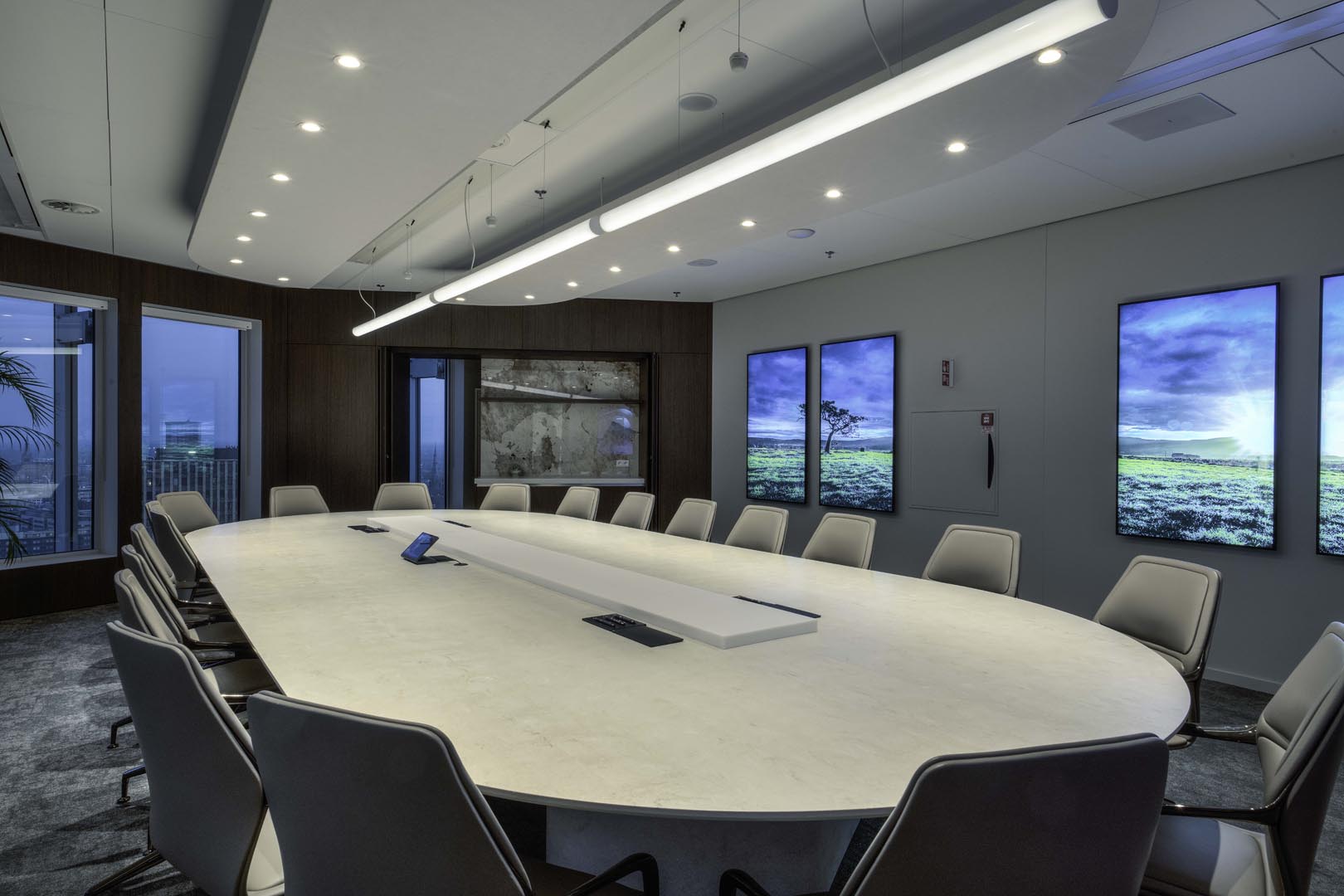
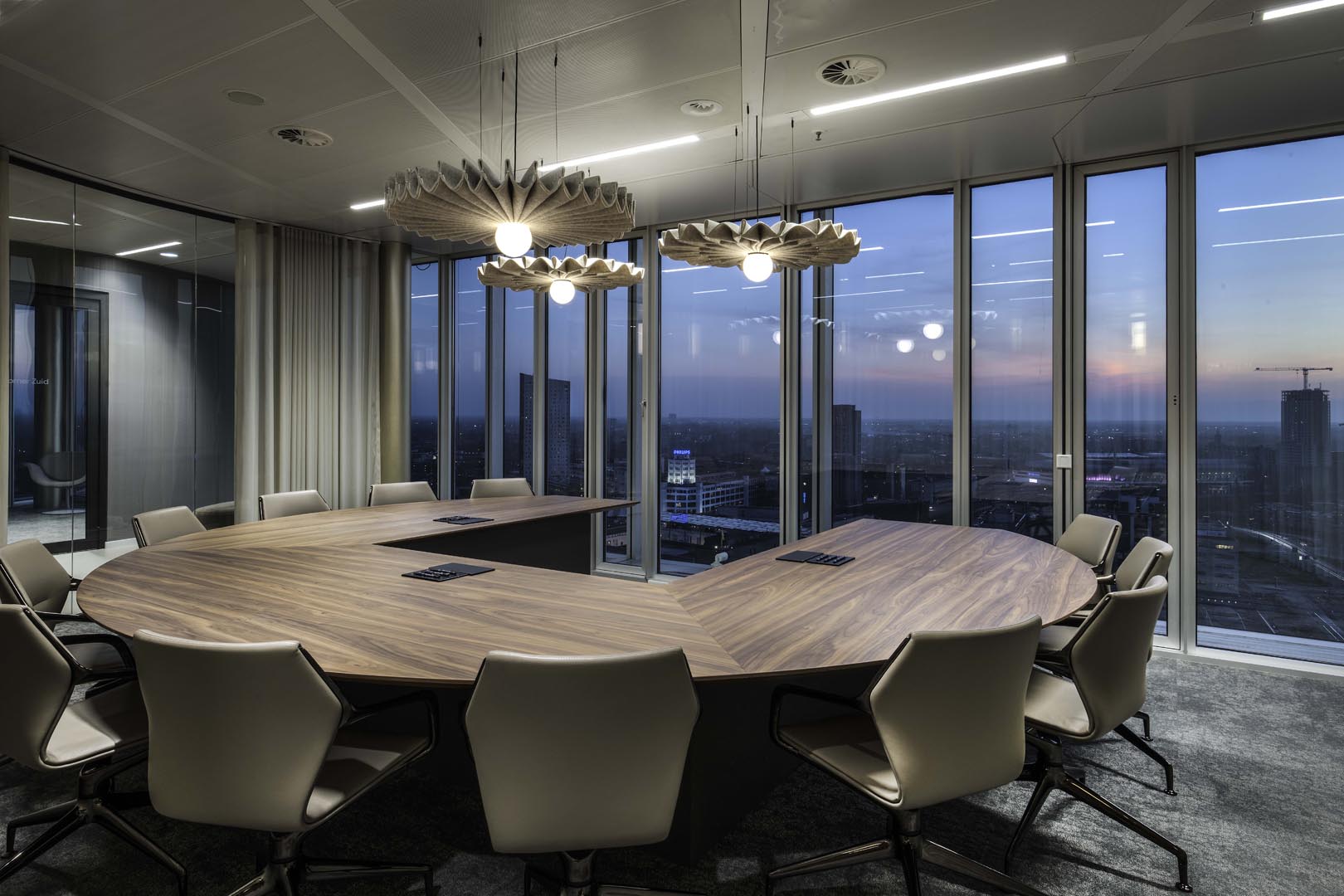
An ergonomic office design can perfectly coexist with design and atmosphere. In our Concept Places, you can see how functionality, style, and comfort reinforce each other. This allows you to design a workplace that is not only healthy but also a place where you enjoy being.
Frequently asked questions about ergonomic office design
What are the 5 basic rules for ergonomic working?
Ensure an upright sitting posture, change positions regularly, set your screen to the correct height (eye level), keep your feet flat on the floor, and use an office chair that provides proper back support.
What constitutes a good ergonomic office chair?
A chair that is height-adjustable, offers lumbar support, has adjustable armrests, and moves with your body. Would you like to discover which ergonomic office chair suits you best? Or are you curious about how to correctly adjust your office chair for a healthy and comfortable working posture?
Visit one of our Concept Places and receive personal workplace advice from our experts. Test different models, feel the difference, and let us guide you toward the ideal sitting posture for your workday.
Why is ergonomic working so important in the healthcare sector?
Ergonomic working is important in every sector, and the healthcare sector is no exception. Repetitive movements are often performed in taxing positions here. Ergonomic working prevents long-term physical complaints and increases the comfort of healthcare personnel.
Looking for the right office furniture?
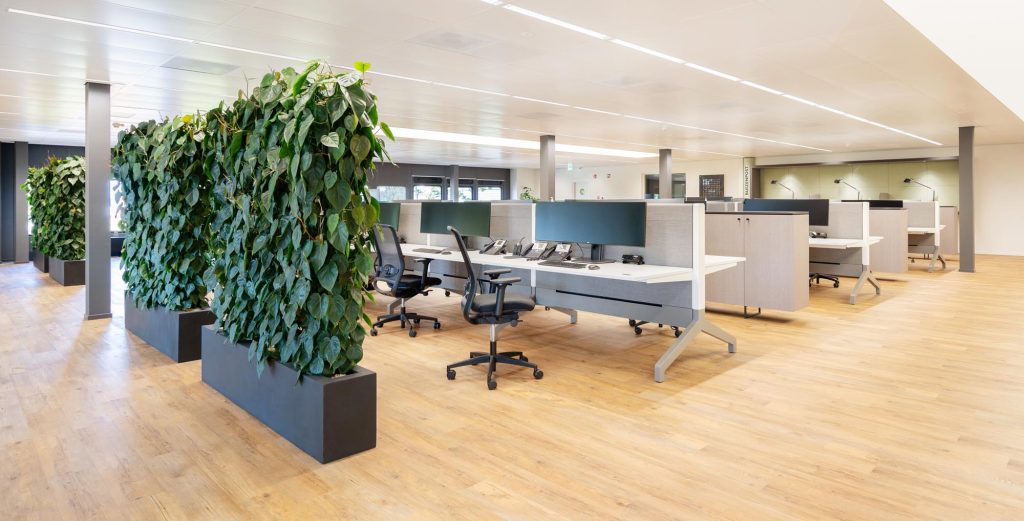
We are happy to help you choose furniture that fits your space, your employees, and your way of working. From advice to complete interior design.